
I've been following Jupiter Broadcasting for years, and when Chris Fisher shared his HyprVibe setup, I was impressed. It's a well-configured Hyprland desktop that runs on NixOS, with good attention to detail and thoughtful keybindings.
The problem is that it's NixOS-specific. If you don't want to learn Nix or prefer a different base system, you're out of luck. Since I maintain Soltros OS (which uses rpm-ostree), I decided to port it over.
What is HyprVibe?
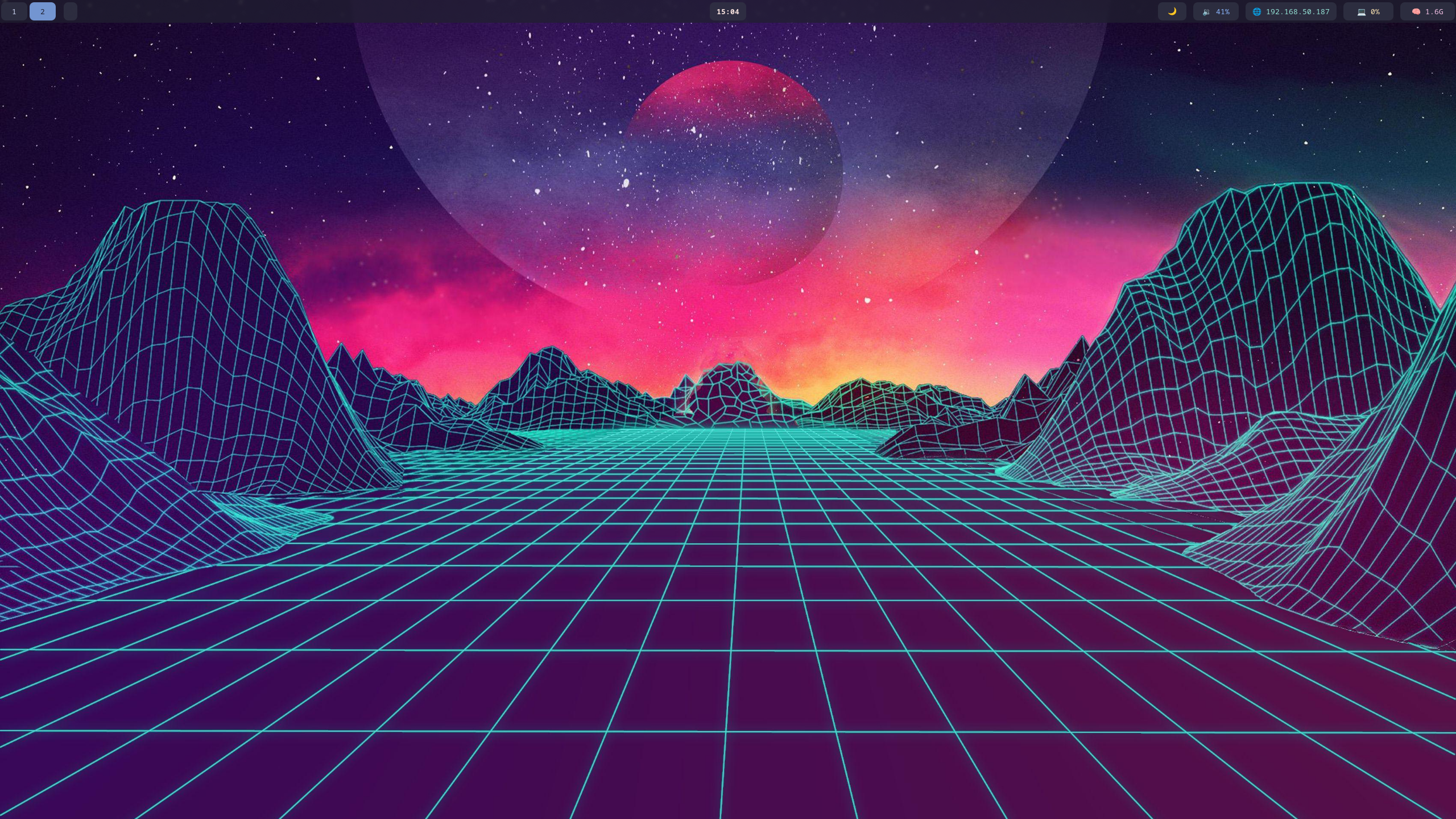
HyprVibe is Chris Fisher's Hyprland configuration. It includes:
- Hyprland - Dynamic tiling Wayland compositor
- Waybar - Status bar with custom modules (GPU temps, weather, Bitcoin prices, etc.)
- Dunst - Notification daemon
- Hyprlock & Hypridle - Lock screen and idle management
- Performance tweaks - Various optimizations
- Sensible keybindings - Nothing too exotic
It's a complete desktop setup that works out of the box.
The Technical Challenge
Porting from NixOS to rpm-ostree wasn't straightforward. The original setup uses:
- Nix flakes for configuration management
- NixOS-specific module system
- Hardcoded paths to the Nix store
- Declarative package and service management
None of that translates directly to a standard Linux filesystem. I had to extract the actual config files and scripts, then figure out how to integrate them properly with rpm-ostree's image-based model.
The Solution: XDG Base Directories
Most Linux applications follow the XDG Base Directory specification. They look for configs in this order:
~/.config/- User's personal config (checked first)/etc/xdg/- System-wide defaults (fallback)
This works perfectly for an image-based OS. I put the HyprVibe configs in both /etc/xdg/ (system-wide) and /etc/skel/ (template for new users). This means:
- New installations automatically copy configs to the user's home directory
- Existing users switching via bootc get working configs immediately from
/etc/xdg/ - Users can still customize by copying to
~/.config/and editing
No scripts needed at login. Everything just works.
What's Included
This is a complete port of the HyprVibe experience:
- All original keybindings (browser changed to Waterfox since that's what Soltros ships)
- Custom Waybar modules
- Blur effects and animations
- Tokyo Night color scheme
- Lock screen and idle behavior
- Rofi for app launching and brightness control
How It Works
Because everything follows the XDG specification:
- Hyprland finds its config in
/etc/xdg/hypr/ - Waybar finds its config in
/etc/xdg/waybar/ - Dunst finds its config in
/etc/xdg/dunst/ - Everything else follows the same pattern
Boot into the HyprVibe image and you get a fully configured desktop immediately.
Changes from the Original
I kept the spirit of Chris's setup but made a few adjustments for Soltros:
- Browser keybinding launches Waterfox instead of Firefox
- All paths converted from Nix store to standard FHS locations
- Scripts placed in
/etc/xdg/so they work system-wide - Replaced Rofi with Wofi for better styling, and superior functionality
- Changed default wallpaper
- Replaced GDM with SDDM as it is superior for handling Hyprland sessions
- Removed Rofi reboot script in favor of Wlogout and custom layout
Getting Started
HyprVibe is available in both LTS (Long Term Support) and Unstable tracks.
New Installations
# Download the ISO from https://soltros.dev
# Choose either:
#   - soltros-os-lts_hyprvibe (stable)
#   - soltros-os-unstable_hyprvibe (latest packages)
# Install normally
# Select Hyprland at login
Existing Soltros Users
# Switch to the HyprVibe image
bootc switch ghcr.io/soltros/soltros-os-lts_hyprvibe:latest

# Or for Unstable track:
bootc switch ghcr.io/soltros/soltros-os-unstable_hyprvibe:latest

# Reboot
systemctl reboot

# Select Hyprland at SDDM login
No additional configuration needed. The system-wide configs are picked up automatically.
# Hyprland reloads automatically on saveKeybindings
Here are the main keybindings to get started:
SUPER + RETURN- TerminalSUPER + SPACE- App launcherSUPER + F- BrowserSUPER + E- File managerSUPER + L- Lock screenSUPER + C- Close windowSUPER + V- Toggle floatingSUPER + 1-0- Switch workspacesSUPER + B- Brightness menuPrint- Screenshot
Why This Matters
This is about making good software more accessible. Chris's HyprVibe is well-designed, but it was limited to NixOS users. Now anyone running Soltros (or potentially other rpm-ostree systems) can use it without learning a new configuration system.
It also demonstrates the value of following standards. The XDG Base Directory specification made this port possible. When applications follow common conventions, configurations become portable across distributions.
Credit
All credit for the design, keybindings, and overall setup goes to Chris Fisher and his HyprVibe repository. I just adapted it for a different platform. If you like this setup, check out Jupiter Broadcasting.
What's Next
Plans for the future:
- Keep in sync with upstream HyprVibe updates
- Add Soltros-specific improvements where appropriate
- Write some documentation for new users
- See what other desktop environments make sense as spins
Try It
New users: Download from soltros.dev (LTS strongly reccomended as Unstable isn't working correctly).
Existing Soltros users:
bootc switch ghcr.io/soltros/soltros-os-lts_hyprvibe:latestQuestions or issues? Open an issue on GitHub.